
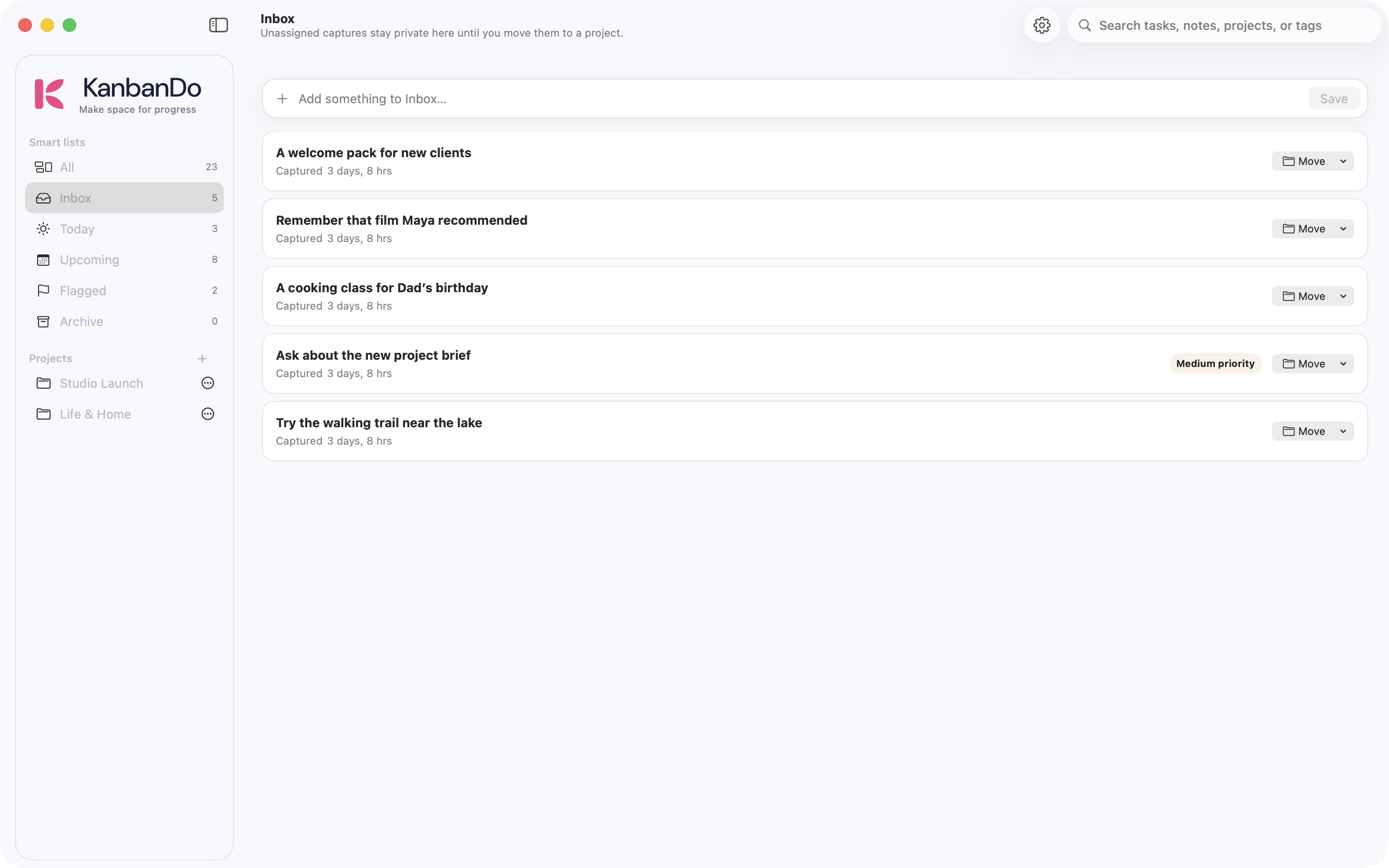
Understand the smart lists#
- All
- Scan tasks across your projects and Inbox.
- Inbox
- Capture unfiled tasks on this device. It is not an iCloud project.
- Today
- Review tasks due today and overdue work.
- Upcoming
- Look ahead at future due dates.
- Flagged
- Return quickly to the tasks you flagged.
- Archive
- Find tasks you have archived. Use the task’s available controls to bring work back.
Smart lists are views of existing tasks. Editing a task there updates the same task in its project.
Find something quickly#
Use Search tasks, notes, projects, or tags in the toolbar. Start with a distinctive word from the title, then try a note or tag. Clear the search to return to the full view. If a task seems to be missing, check Archive and confirm that you are looking at the right project.
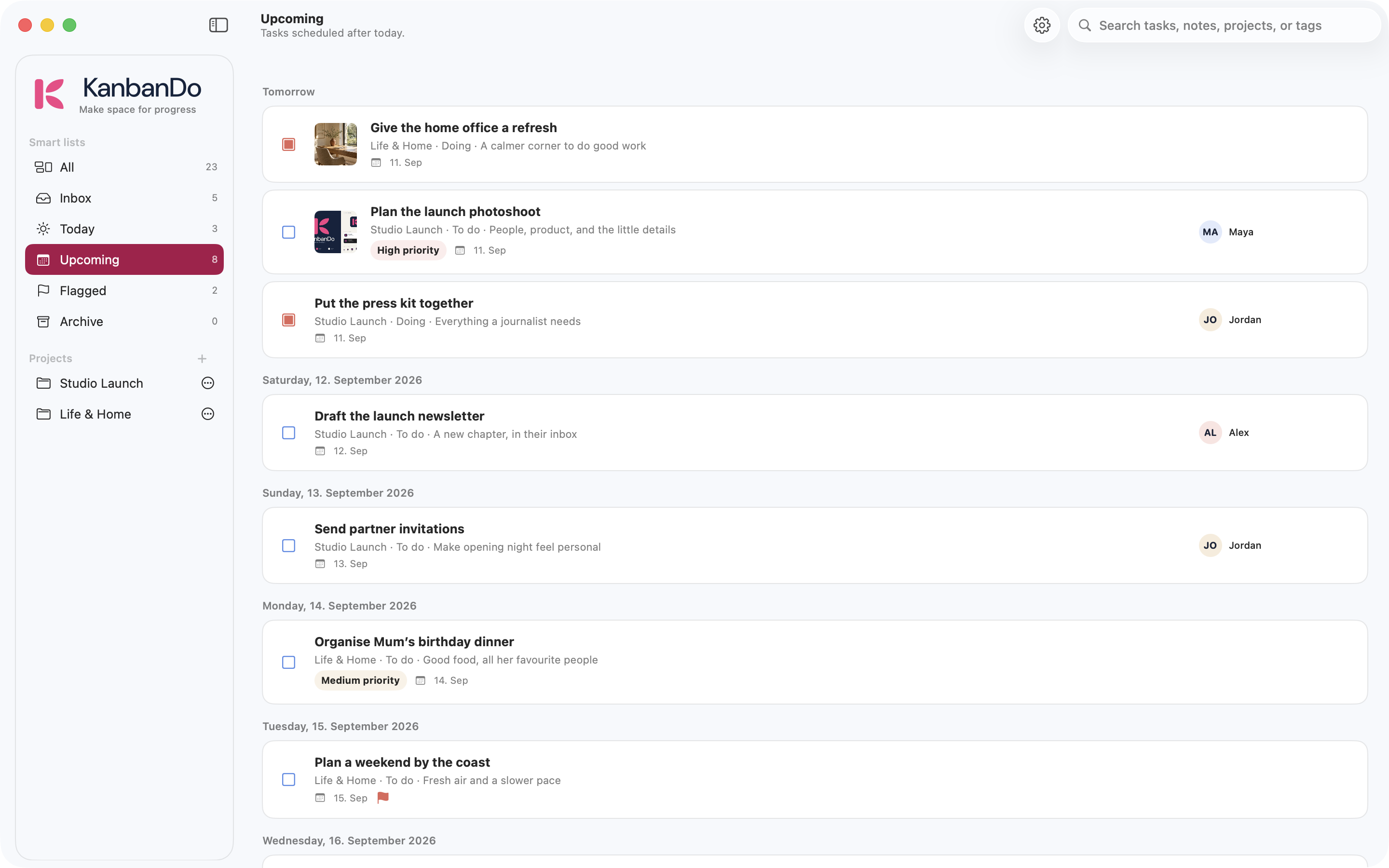
Example: a weekly review#
- Open Inbox. Delete only things you no longer need; file the remaining items into the appropriate projects.
- Open Today. Revisit overdue dates and choose what really needs attention.
- Open Upcoming to spot approaching deadlines.
- Flag the few tasks that deserve a quick-access list.
- Open each active project. Move finished work to Done and archive what no longer needs to be visible.
Dates and reminders#
A due date helps the Today and Upcoming views organize your work. The current app does not implement recurring tasks or location-triggered reminders. Do not assume a due date creates an alarm; use your system reminder tools when an alert is essential.